1. Sign-up and Email Verification
Before you can list a campsite, you need an owner account with a verified email address. Email verification is required because we use your email to send booking notifications, payout confirmations, and important account updates.
Step 1: Create your account
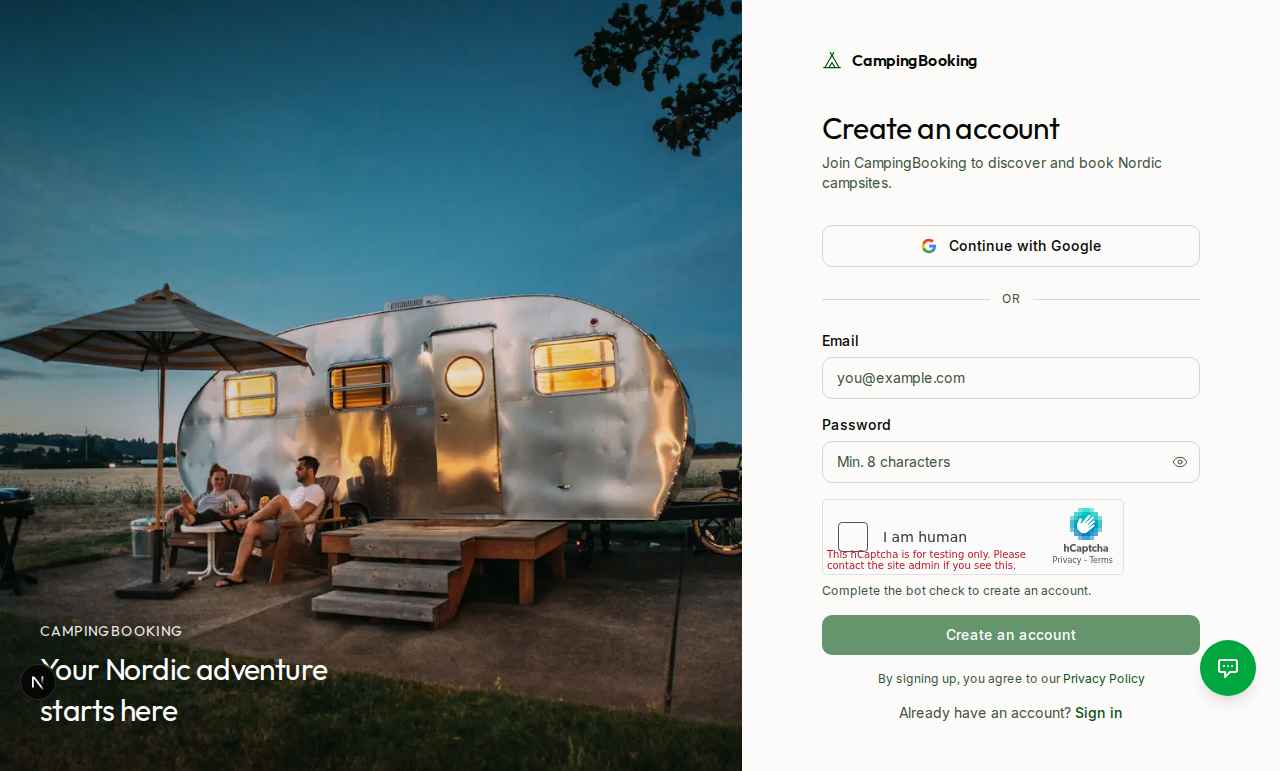
- Go to the Sign up page.
- Enter your name, email address, and a password (or sign up with Google).
- Submit the form to create your account.
Step 2: Your account type
All new accounts start as a camper. When you create your first campsite, the owner dashboard, campsite management tools, and booking management become available. Campers and owners use the same login — your dashboard changes based on whether you have active campsites.
Step 3: Verify your email
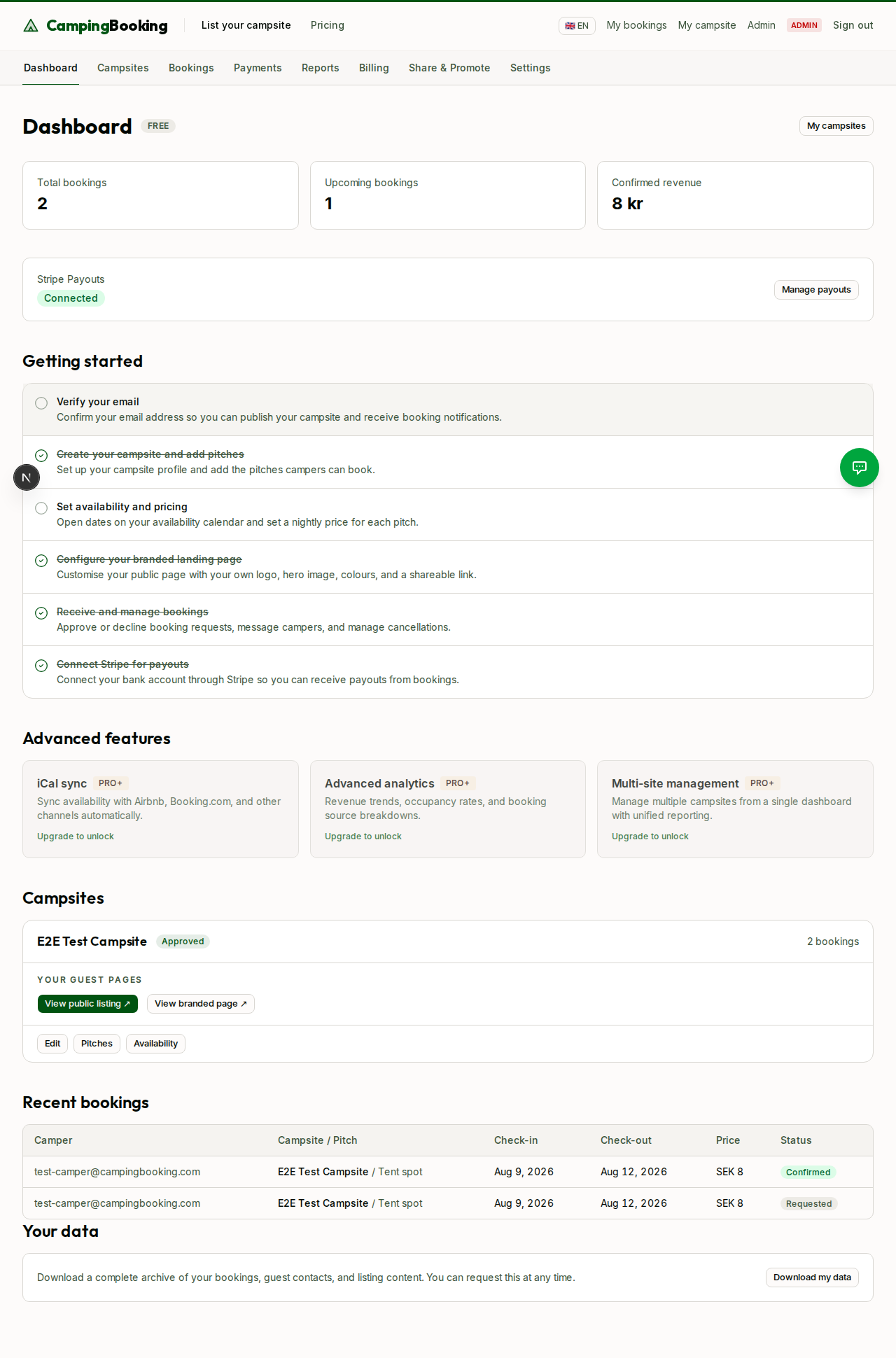
After signing up, you'll see a banner at the top of your dashboard prompting you to verify your email address. Check your inbox for a verification email and click the link inside it.
Why this matters: Until your email is verified, you won't be able to publish a campsite for campers to book. The verification banner stays visible on your dashboard and campsite pages until this step is complete.
Step 4: Confirm verification
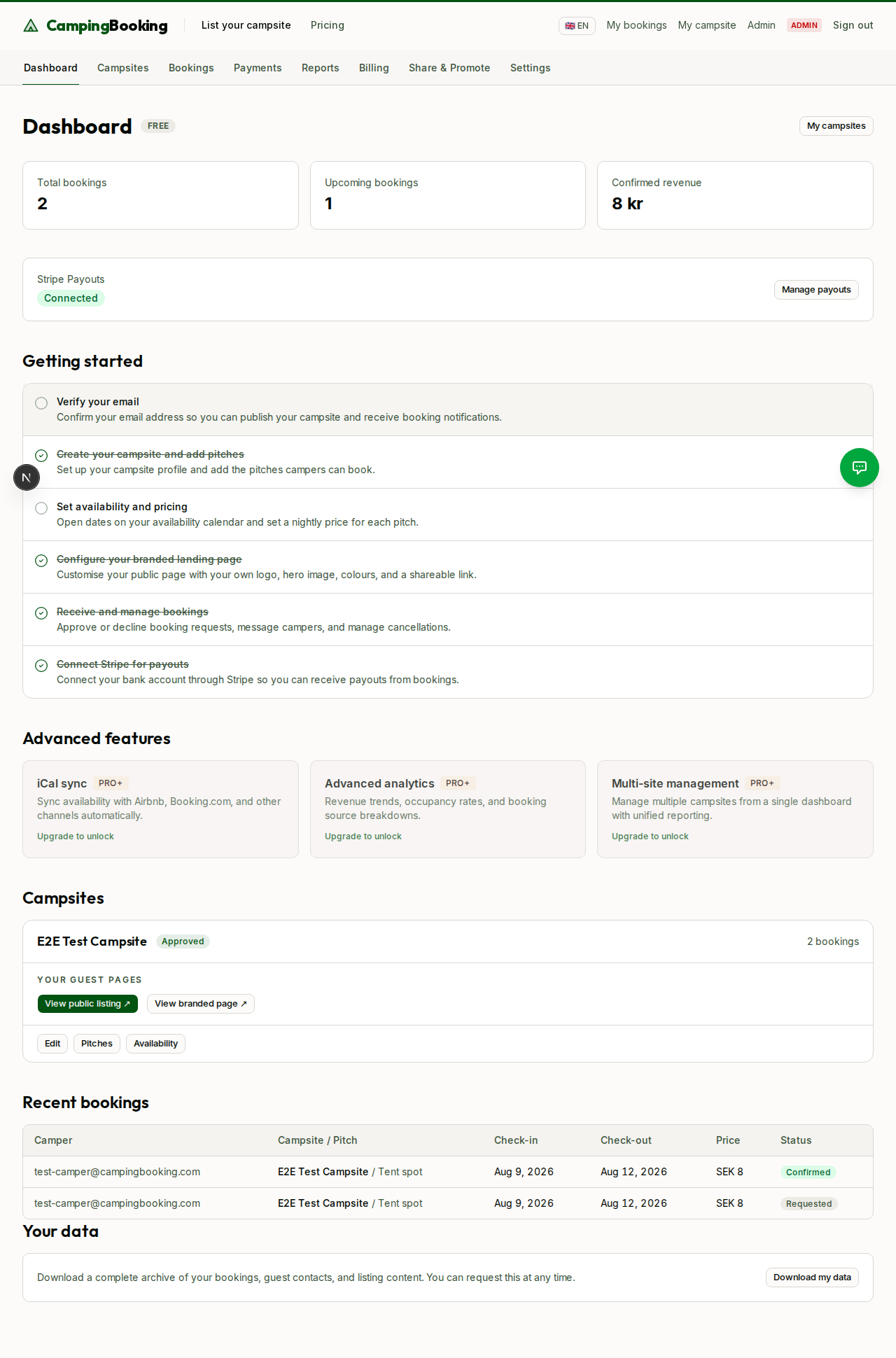
Once you click the link in the verification email, return to your dashboard. The verification banner disappears, and you're ready to start creating your campsite.